All FeaturesSee a job you like?
Browser Extension
See a job you like?
AI analysis in one click.
No copy-pasting. No tab switching. The full AI pipeline runs right where you browse.
ChromeFirefoxEdge — coming soon
From job listing to match score in 30 seconds
01
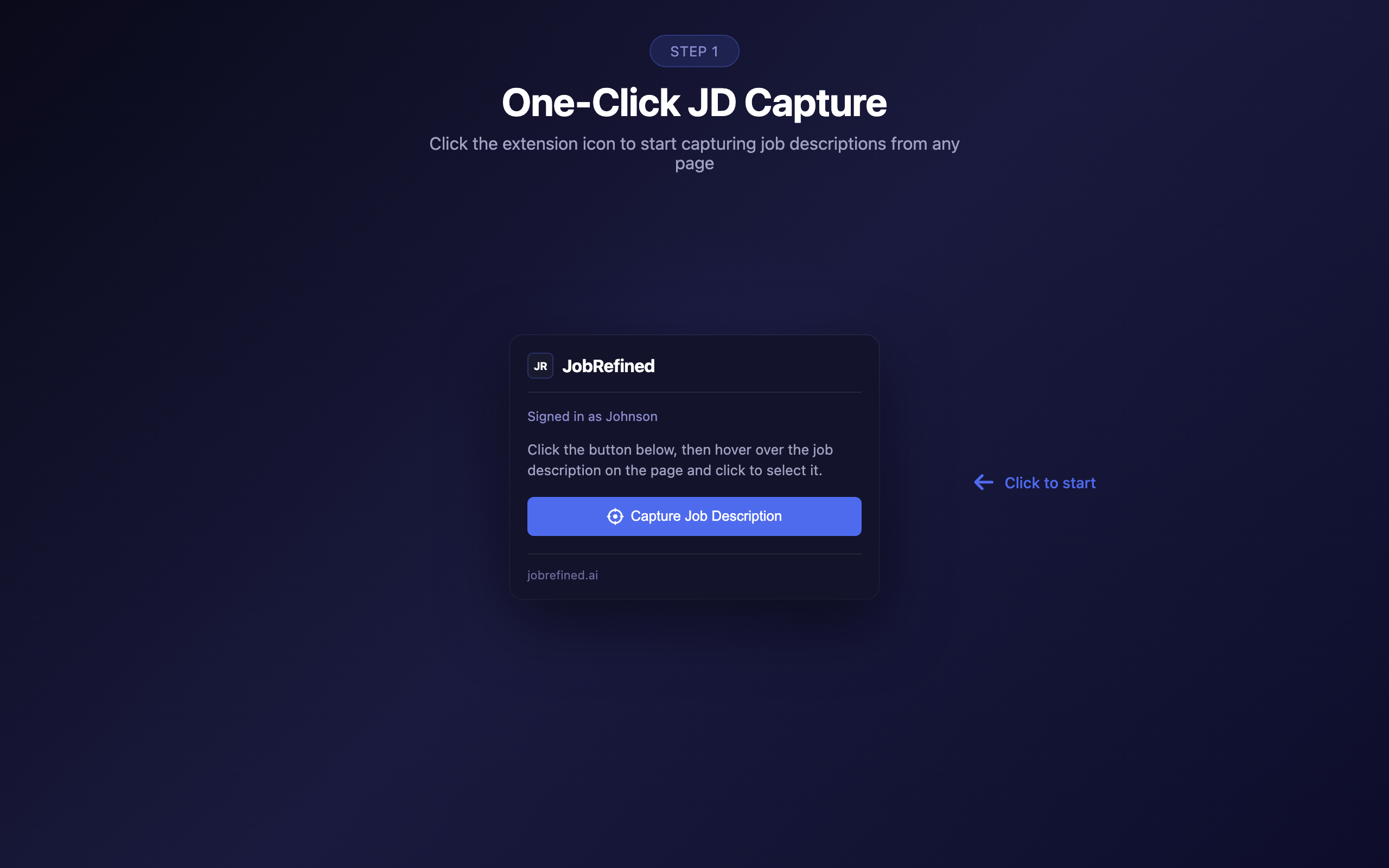
Click the extension
On any job listing page — LinkedIn, Seek, Indeed, Glassdoor, or any company career page.
02
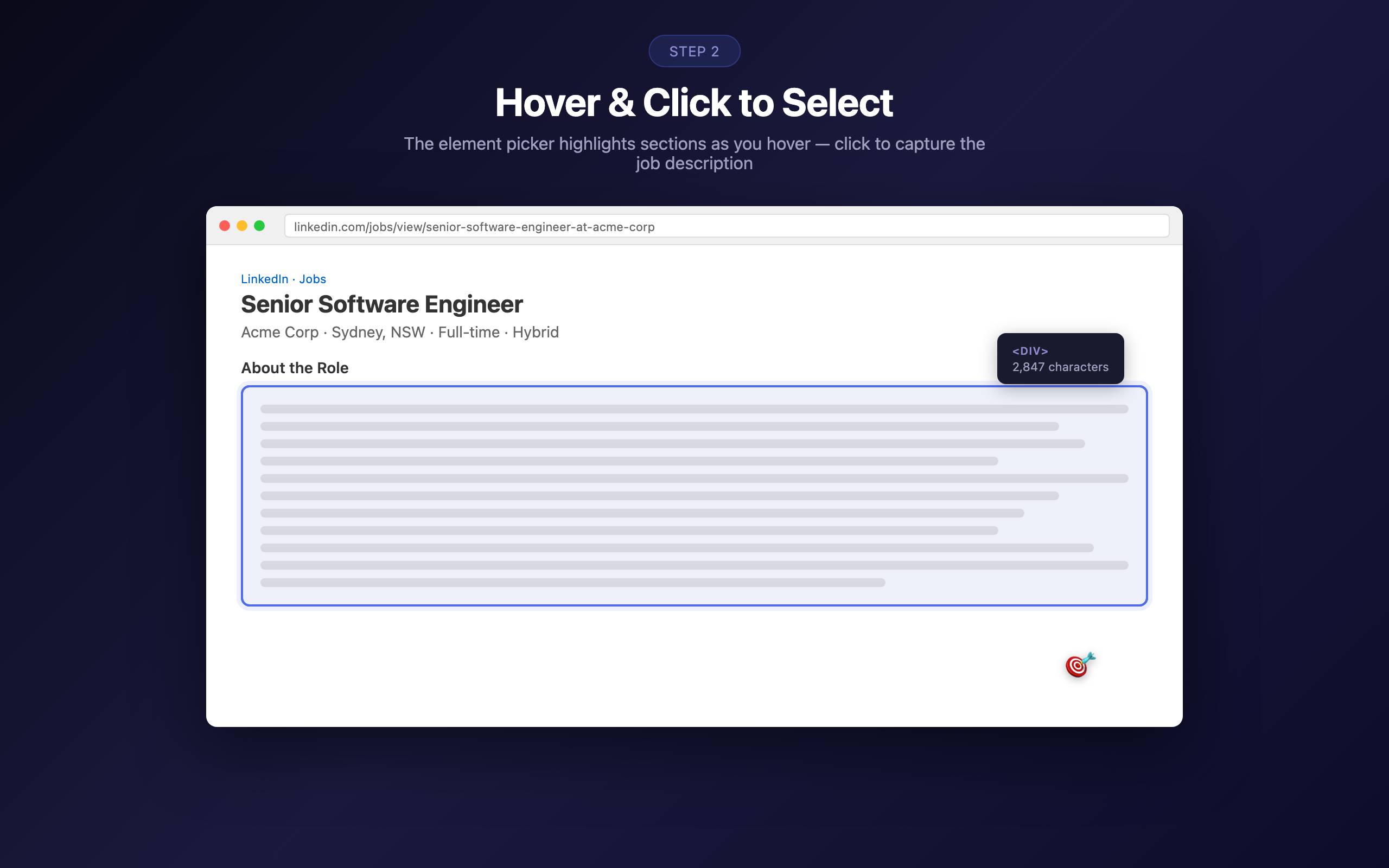
Hover and select
The element picker highlights sections as you hover. Click to capture the job description.
03
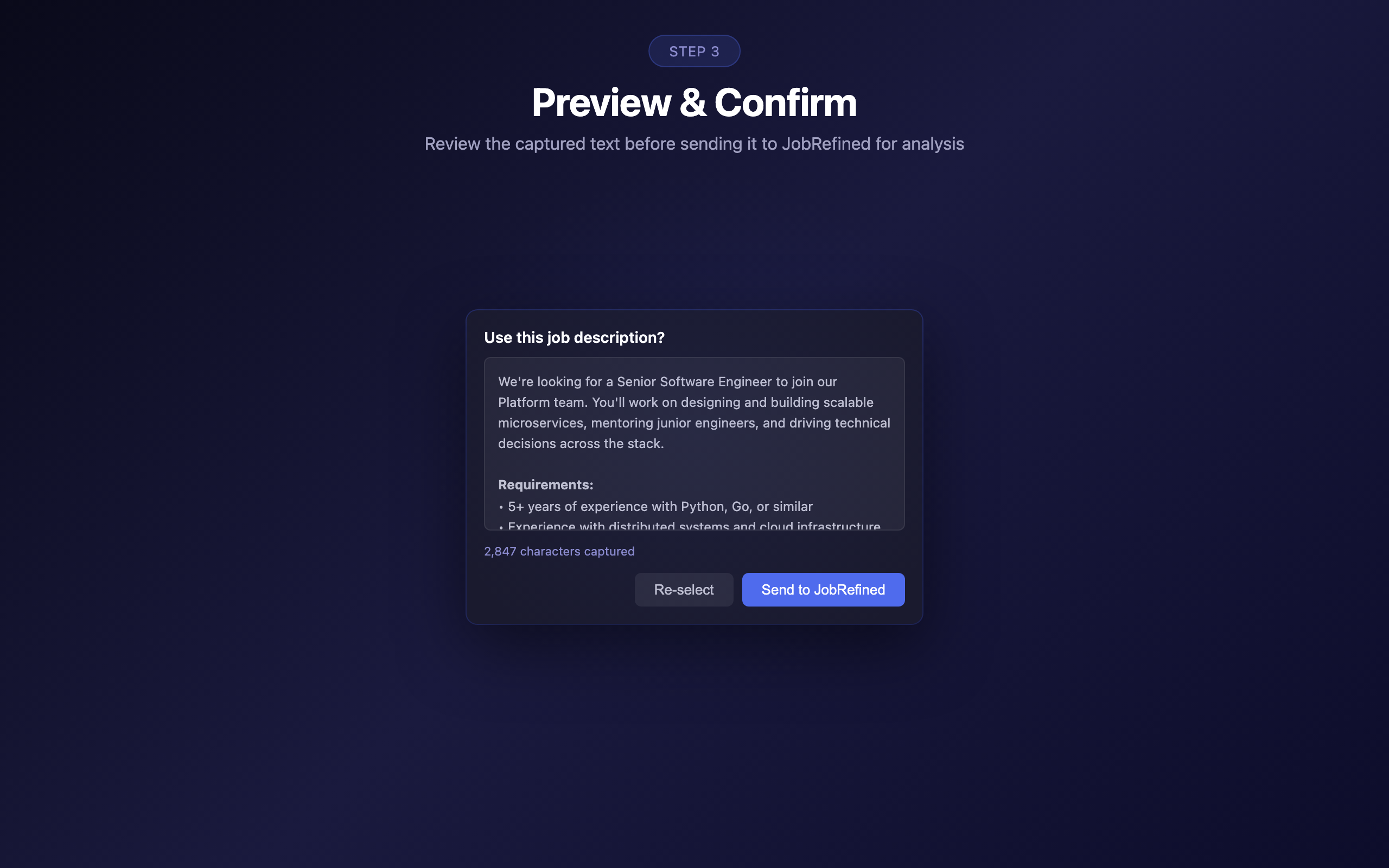
Preview and confirm
Review the captured text before sending it to Job Refined for analysis.
04
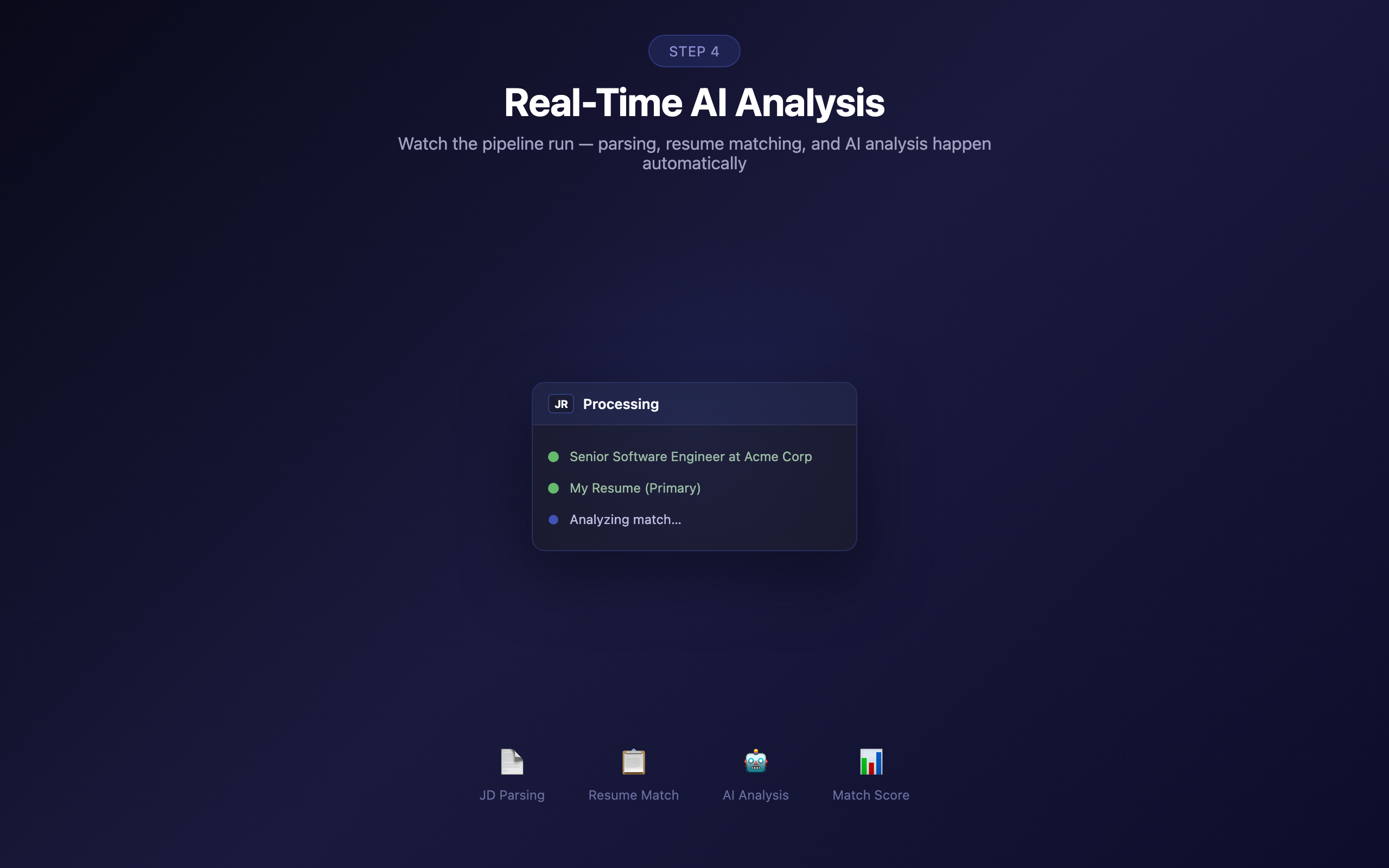
AI analyses in real-time
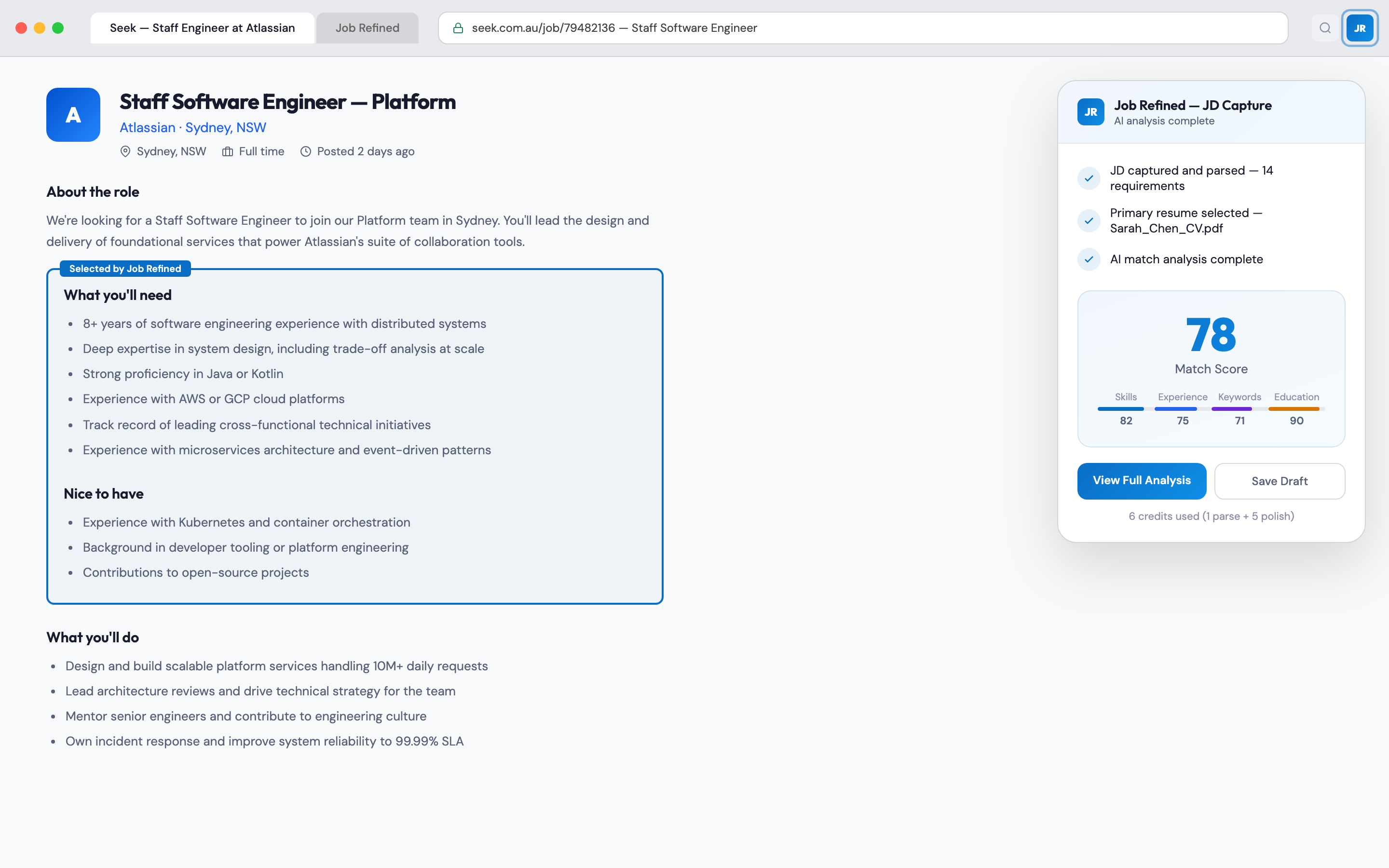
JD parsing, resume matching, and scoring happen automatically. Watch the pipeline run.
05
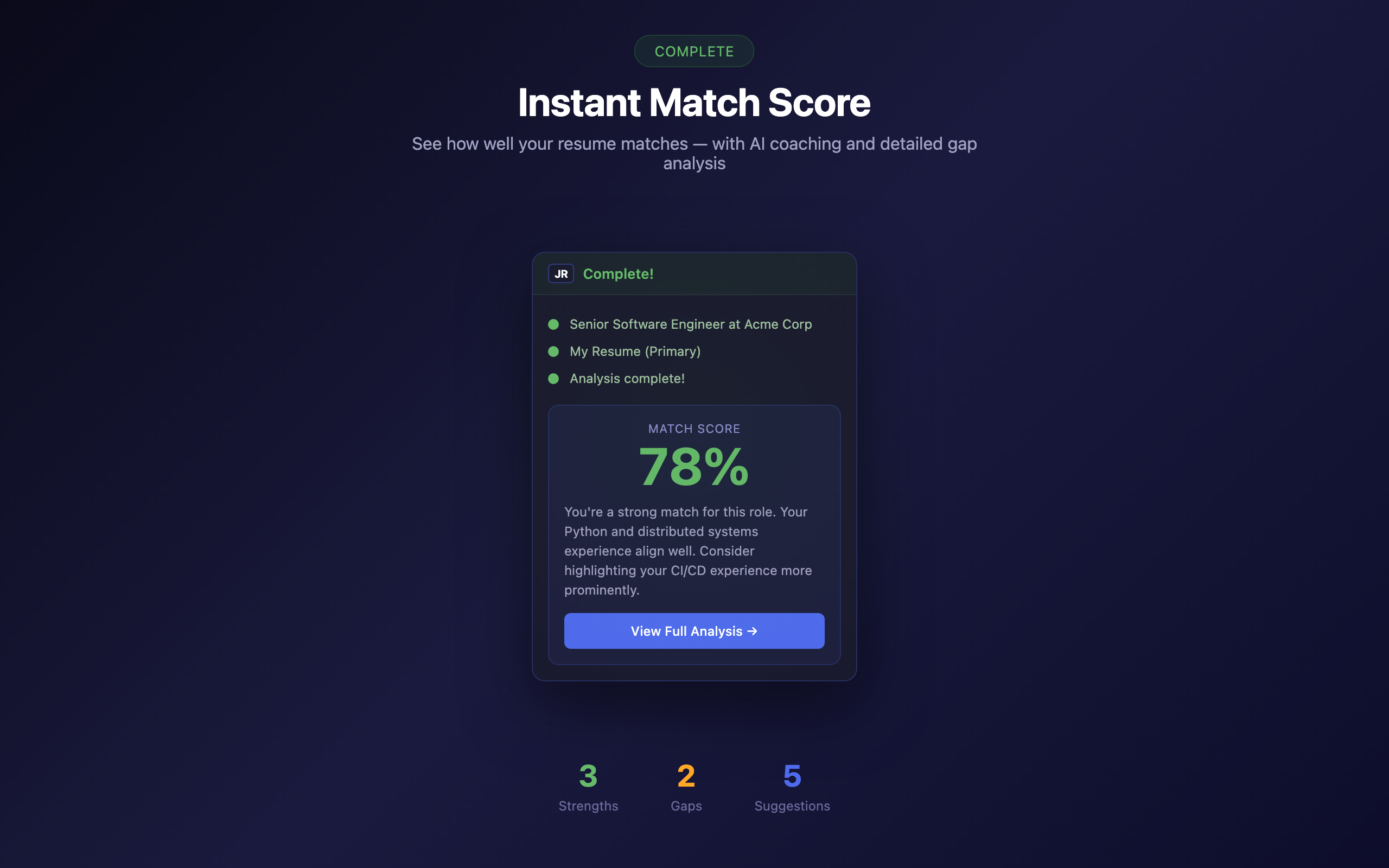
See your match score
Instant score with AI coaching. Click through to the full analysis in the web app.
Built for privacy and speed
Privacy
activeTab permission only — never reads pages you haven’t clicked
No data stored in the extension — everything server-side
Seamless auth from your web app session — no separate login
Speed
Element picker selects exactly the content you need
Auto-selects your primary resume — no manual step
Full pipeline (parse + match + score) in under 30 seconds
Value
Uses your existing Job Refined credits — no extra cost
Links directly to the full analysis and polish session
Works on any career page — not limited to specific job boards
Works everywhere you job search
Use the element picker to capture job descriptions from any website — just hover and click.
LinkedIn
Seek
Indeed
Glassdoor
Company career pages
Any job board
Install for your browser
From browsing to AI analysis in one click
Install the extension and start capturing. Free with your Job Refined credits.
Get started free